
Pinal County Wanted Notices
PCSO has no stable web page that works as a full Pinal County Sheriff's Most Wanted list. There is no posted count. No fixed schedule. No standing photo policy either. That gap matters more than it sounds. Old news stories and stray social posts can linger in search results for years, and none of them proves a warrant is still active today. A missing photo means just as little, since a court can issue a warrant in a case that never got any post at all.
What PCSO does publish are selected public-safety notices. They run through the accounts listed on the county's Social Media Hub. A typical post names a person, sums up the offense, shows an identification photo, and shares a tip line. Read each notice on its own terms. Check the date. Check the posting office. Before acting on it, confirm current status with the issuing court or PCSO, and leave the photo on the official source rather than copying it elsewhere.
Safety first: Never approach, follow, confront, or try to detain anyone in an official wanted notice. Send what you know to law enforcement instead.
Pinal Wanted Listing Fields
Because PCSO notices are selective, no fixed set of fields exists. What follows are the details worth looking for whenever an official notice includes them. Never fill a gap by guessing. Not from another page, and not from an unofficial archive. Treat caution text with special care. A listed location may be stale, and a social post can be edited or removed with no word on how the court case ended.
| Field | What it may show |
|---|---|
| Name or alias | The identity PCSO asks the public to recognize, including a stated alternate name. |
| Photograph | An official identification image selected for that notice, not proof of conviction or present custody. |
| Alleged offense | The stated warrant basis or charge at the time of publication, subject to court change. |
| Notice date | When the item was posted, which helps distinguish a current appeal from an old search result. |
| Agency contact | The official phone, form, or account designated to receive information about that notice. |
| Tip or reward terms | Whether that specific notice offers an anonymous route or reward. Never assume either exists. |
A wanted notice is not a court docket. If the notice includes a case number, keep it. That number is far safer than a common name when you search Arizona court records. When no case number appears, line up the court, the filing date, and the party details before deciding a search result involves the same person.
Note: Removal of a Pinal County wanted post does not by itself show that a warrant was quashed or a case was dismissed.
Use Pinal Wanted Notices Safely
Let the official notice drive your first step. Never copy a phone number from an old screenshot. Never take one from an unrelated page. Instead, open the government's current Social Media Hub, follow the verified PCSO account, and read the live post. Keep in mind what the hub is and is not. It is a gateway to selected county communications, not a public warrant database. It can confirm that an account truly belongs to the county, but it cannot promise that every wanted person or warrant will show up there.
- Enter through the official hub. Open the Pinal County Social Media Hub and use its link to the verified sheriff channel.
- Check the date and agency. Make sure the notice came from PCSO and read any update attached to the original item.
- Record exact identifiers. Save the stated name, case number, alleged offense, publication date, and designated tip route.
- Do not make contact. Keep a safe distance. Do not announce a person's location online or share a relative's address.
- Send only useful facts. Give the current official tip channel what was observed, when it was observed, and where, without speculation.
- Verify the court outcome. Search the official court system or ask the issuing clerk rather than inferring the result from the post.
Once an arrest happens, the public record shifts. The person may show up on the current county roster while held at the Pinal County Adult Detention Center, then drop off after release. The booking and court records behind that stay can still exist. The Pinal County booking and custody search covers that separate current-custody path, though it is no substitute for a court's warrant confirmation. The Arizona Department of Corrections, Rehabilitation and Reentry is different. It handles sentenced state custody, not live county warrants.
Check a Pinal County Warrant
A warrant check has one simple goal. You want to know whether a court has issued a warrant. You also want to know whether it still stands. Pinal County has no stable public search portal for sheriff warrants. Start with the courts, then confirm by phone. The Arizona Judicial Branch Public Access site can surface a related case. It shows the court, the case number, and docket entries. The database refreshes weekly and leaves out protected case categories. A blank result means just that. It does not rule out a warrant, so a clerk at the issuing court should give the final word on current status.
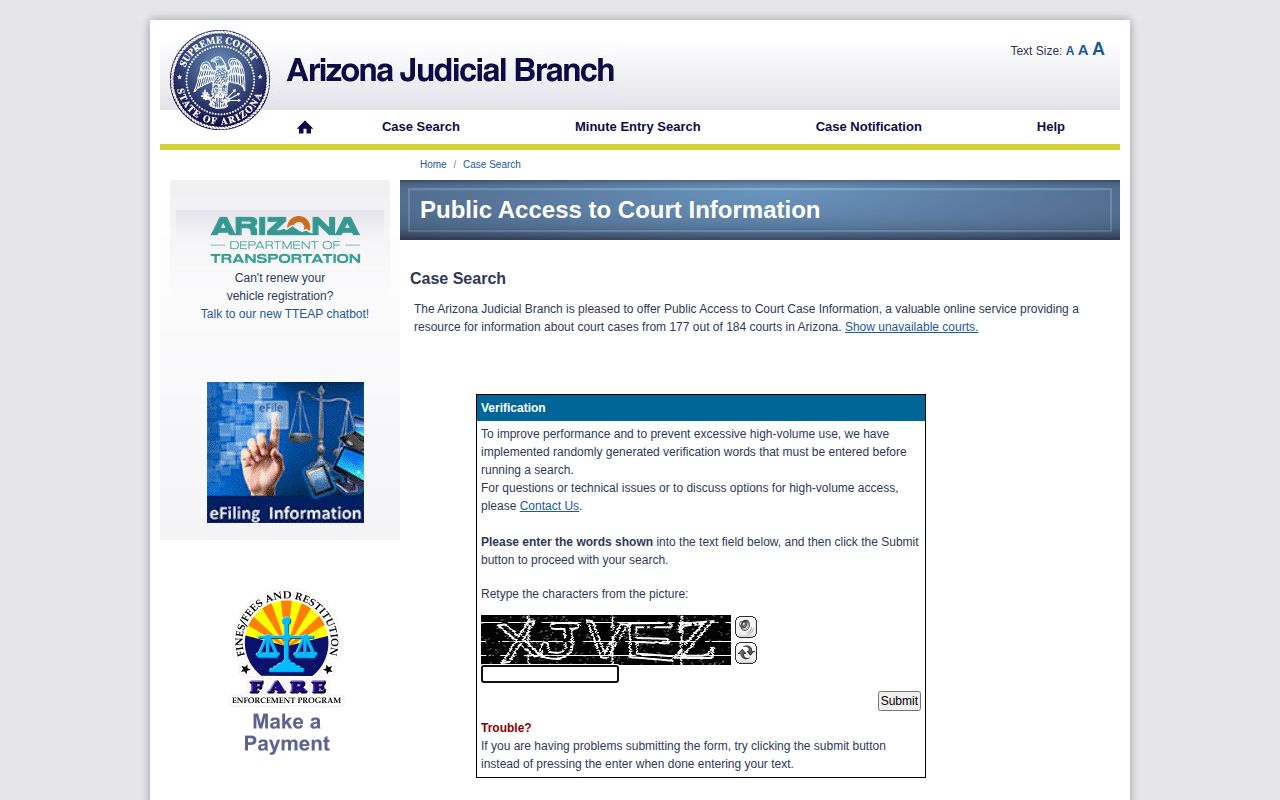
The screenshot above captures the official court search channel. Because its data refreshes weekly and skips protected categories, treat it as a starting point rather than a live answer.
- Gather exact facts. Use the full legal name, spelling variants, approximate case date, and case number if known.
- Search the official docket. Review Arizona Judicial Branch Public Access and compare the court, party details, filing date, and docket events.
- Identify the issuing court. A municipal, justice, or superior court record may point to a different clerk and case path.
- Ask for current confirmation. Contact that court or clerk and ask how it confirms warrant status. Protected matters may not appear online.
- Use the record-copy route. When docket detail is not enough, request the filed order or relevant case document from the clerk.
- Resolve it lawfully. A person who thinks the warrant concerns them should speak with counsel or the issuing court about the approved process.
PCSO also answers non-emergency calls at 520-866-5111. Use it for sheriff questions. Think of it as a general line, not a guaranteed warrant hotline. The PCSO Records Unit, reachable at the number listed below, handles identifiable sheriff records. A records request takes time, though. It still won't certify on the spot whether a warrant is active.
Note: Never use a planned encounter with police to test whether a Pinal County warrant is active; contact counsel or the issuing court.
Pinal County Warrant Types
A warrant's label tells you which record to pull and which court to call. These are practical sorting distinctions. The court's current order always controls. Watch for false matches, since similar names trip up searches, and remember the wording on a booking can differ from the charge later filed in court.
| Type | What it generally means | Safe verification path |
|---|---|---|
| Arrest warrant | A judge authorized an arrest based on the record presented to the court. | Find the case, then confirm with the issuing court or clerk. |
| Bench warrant | A court issued a warrant tied to a proceeding, often after a missed required appearance or unmet order. | Contact the court named on the docket and ask for lawful resolution steps. |
| Probation-related warrant | The warrant may arise from an alleged violation in an existing sentenced case. | Use the original case number and contact counsel, the court, or the supervising office as directed. |
| Out-of-county warrant | Another Arizona county or jurisdiction may be the issuing authority even if PCSO encounters the person. | Confirm with the issuing jurisdiction, not a Pinal social post alone. |
Courts can recall, quash, serve, or modify any warrant at any time. That is why a dated online entry should always be checked against the issuing office before you act on it.
Pinal Court and Clerk Records
A docket you read online and a filed court document are different things. Need the real paper? The Pinal County Superior Court Clerk handles copy requests for superior-court matters. Expect an initial reply within roughly five business days. More processing time follows payment. Those windows apply to copies, not urgent warrant questions. You can request a complaint, a minute entry, a warrant-related order, a dismissal, a judgment, or any other identifiable case document. The Superior Court Clerk's record-copy instructions lay out the formal route, and the image below shows that official fallback.
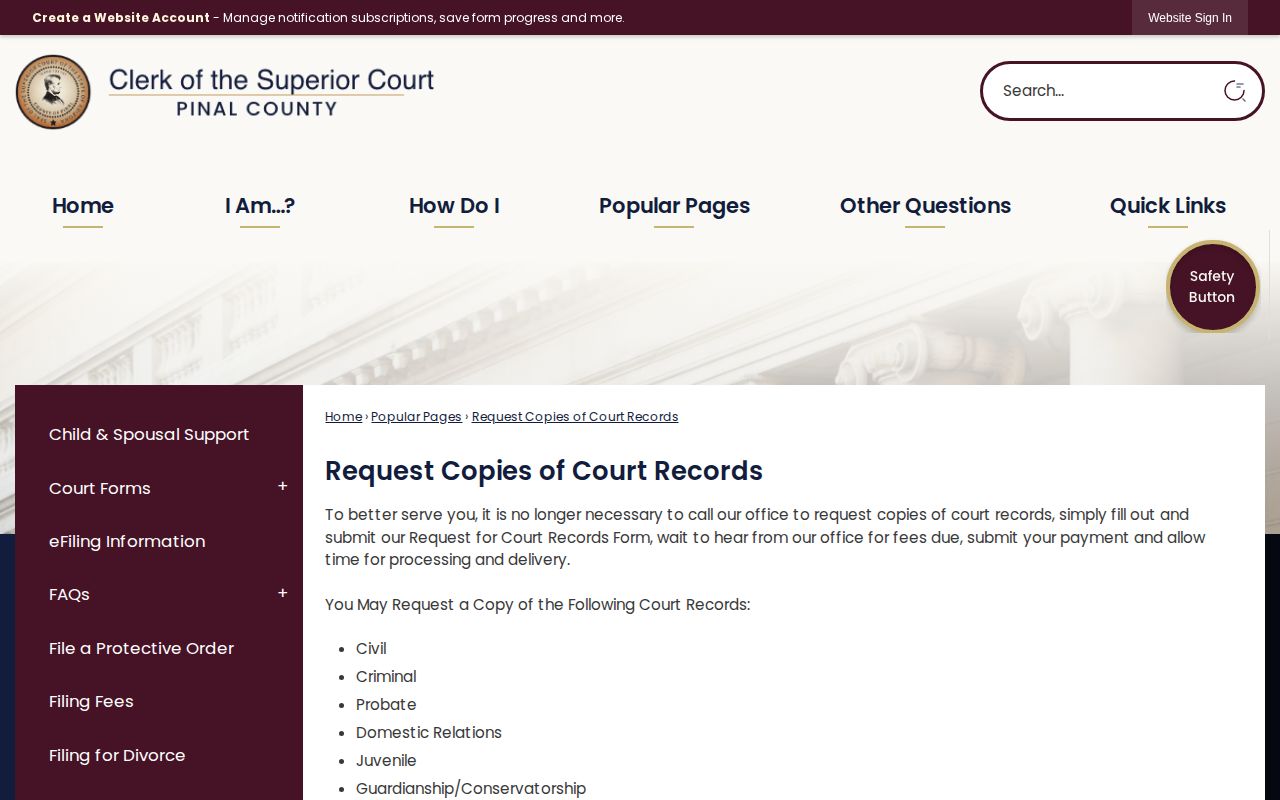
The clerk route supplies filed records for matching a case and its outcome. It is not a live countywide warrant database. Keep that distinction in mind when reading wanted posts online. A dated notice saying "PCSO alleged" tells one part of the story. Court records can tell another. Removal from social media, by itself, never reveals what the court later decided.
Report Pinal Wanted Information
Spot someone from a wanted notice? Report it through the tip route the notice itself names. PCSO non-emergency is the documented general contact. Still, an individual notice may point readers somewhere else. No countywide promise of anonymity or rewards covers every notice, so don't assume either one applies. If a post mentions an anonymous form or a reward, read its current terms and credit that notice for them.
Pinal County Sheriff's Office
Non-emergency: 520-866-5111
Records Unit: 520-866-5193
Records hours: Monday through Friday, 8 a.m. to 5 p.m.
Verified accounts: Official Social Media Hub
An immediate threat belongs with emergency services. For routine tips, stick to concise facts and skip speculation about anyone's guilt. Don't post a location publicly, don't contact relatives, and don't try to follow anyone yourself. Leave the assessment to law enforcement.
A wanted notice, warrant, arrest, or booking photograph is one step in a longer process, and the court record is where the story gets its finish.
PCSO Social Posts, Not a Database
The county's verified social gateway earns its keep in one simple way: it lowers the odds of following an account that just borrows the sheriff's name. It does not turn scattered posts into an indexed database. No evidence supports a set "Warrant Wednesday" cadence. Nor a standard number of listings. Nor an agency-wide reward policy. Credit any such feature only to the live notice that actually states it. Start with the official Pinal County Social Media Hub before trusting a sheriff-branded account.
The hub confirms the county gateway and nothing more. It shows no comprehensive warrant list. No fixed update schedule. No promised photo field. There is also no verified PCSO mobile app with a documented inmate-photo or wanted-list function. An app store listing under the agency name proves little about who published it. Emergency alerts and the county's victim case-status portal are not person-search tools either. Each serves a different public-safety or case-communication purpose.